
- Published on
Top 10 Feature Voting Tools for 2025
- Authors

- Name
- Gabriel P.
- @gabriel__xyz
Top 10 Feature Voting Tools for 2025
Feature voting tools help product teams prioritize what to build next by collecting user feedback in a centralized platform. These tools allow users to suggest, discuss, and vote on features, making decision-making data-driven and scalable. In 2025, businesses need tools that handle growing user bases, integrate with workflows, and provide actionable insights without overwhelming teams. Here's a quick overview of the best options:
- Features.Vote: Starts at $19/month, offers unlimited projects, advanced analytics, and strong customization.
- Featurebase: Free plan with unlimited feedback; paid plans start at $49/month with robust analytics and survey integration.
- Nolt.io: Simple and budget-friendly at $29/month, ideal for small teams.
- Canny: Enterprise-focused with advanced features starting at $79/month.
- Frill: Mid-tier option at $25/month with sleek design and lightweight widgets.
- Sleekplan: Affordable at $13/month, combining feedback, roadmaps, and changelogs.
- FeatureOS: $60/month, integrates well with development workflows but limited prioritization tools.
- UserVoice: Enterprise-grade at $899/month with extensive features for large teams.
- UserSnap: $43/month, highly customizable widgets for seamless feedback collection.
- Upvoty: Budget option at $15/month with straightforward functionality.
Key takeaway: Choose a tool based on your team's size, feedback volume, and budget. Smaller teams might prefer affordable options like Sleekplan or Upvoty, while enterprises can benefit from advanced tools like UserVoice or Canny.
Top 5 Product Management Software Tools for 2025 | Best Picks + In-Depth Reviews
Quick Comparison
| Tool | Starting Price | Scalability | Customization | Analytics | Integrations | User Segmentation | Key Limitation |
|---|---|---|---|---|---|---|---|
| Features.Vote | $19/month | High | Strong | Advanced | Multiple | Yes (Premium) | Free plan limited to 100 interactions |
| Featurebase | $49/month | High | Deep | Robust | Seamless | Yes (Premium) | Higher starting price |
| Nolt.io | $29/month | Medium | Basic | Standard | Slack/Zapier | Limited | May not suit larger companies |
| Canny | $79/month | Enterprise | Advanced | Comprehensive | Slack/Jira | Yes (Growth Plan) | Expensive for smaller teams |
| Frill | $25/month | Medium | Sleek | Standard | Basic | Basic | Limited advanced features |
| Sleekplan | $13/month | Low | Moderate | Basic | Standard | Available (Business Plan) | Basic features |
| FeatureOS | $60/month | Medium | Moderate | Limited | Strong | Basic | Weak prioritization |
| UserVoice | $899/month | Enterprise | Extensive | Advanced | Enterprise-level | Advanced | Very high cost |
| UserSnap | $43/month | Medium | High | Moderate | Extensive | Moderate | Focused on enterprise use |
| Upvoty | $15/month | Low | Limited | Basic | Zapier/Slack | Basic | Outdated interface |
Pick a tool that aligns with your growth stage, feedback needs, and budget. The right tool can simplify feedback management and improve user satisfaction.
How to Evaluate Feature Voting Tools
Selecting the right feature voting tool is a big deal. A poor choice can lead to overwhelmed systems, unhappy users, and missed chances to focus on features that truly matter. Here's what to keep in mind when evaluating your options.
Handling Growth and Feedback Volume
As your business grows, so does the amount of feedback you’ll receive. A tool that works perfectly for 100 users might buckle under the weight of 10,000 active participants. Your feedback system should be ready to scale with your expanding user base.
Look for tools with strong server infrastructure and fast loading speeds, even when thousands of votes are pouring in. Features like advanced filtering, search options, and automated categorization are also crucial for managing feedback efficiently. And don’t forget to check how well the tool integrates with your current workflow - it should help streamline processes, not complicate them.
Integration and Customization Options
Your business likely depends on a network of interconnected tools. A feature voting tool that integrates seamlessly with your existing systems - like project management software, customer support platforms, or development tools - can save time and reduce headaches.
Customization is another key factor. The ability to tweak the tool’s interface to match your brand’s look and feel not only enhances user experience but also reinforces your brand identity. For example, customizing colors, voting interfaces, and workflows can create a more cohesive experience for your users. Tools with strong integration and customization options can improve functionality significantly, making it easier to channel feedback into actionable development plans.
Analytics and Reporting Features
Data is your best friend when it comes to making informed decisions. A good feature voting tool should offer analytics that reveal voting trends and help you prioritize features effectively. These insights can directly impact your roadmap and resource allocation, helping you focus on what matters most.
User Segmentation
Not all feedback is created equal. For instance, a feature request from a high-value enterprise client deserves more attention than one from a free trial user. Tools that allow you to segment feedback by customer tier, usage behavior, or location make it easier to prioritize the most meaningful inputs. This ensures your development efforts align with your most valuable users' needs.
Pricing and Budget Considerations
Feature voting tools often come with tiered pricing based on factors like user count, feature access, or feedback volume. When evaluating costs, don’t just look at the subscription fees - factor in implementation, customization, and maintenance as well.
Some tools are plug-and-play, while others may require significant setup or ongoing upkeep. Consider how each pricing tier aligns with your growth plans. A higher-tier option with advanced features might offer better insights and prioritization, leading to improved user satisfaction. Choose a pricing model that grows with your business to avoid costly and disruptive migrations down the line.
Top 10 Feature Voting Tools for 2025
These ten tools have been carefully evaluated for their ability to scale, their customization options, and the overall value they bring to the table. They represent some of the best solutions for gathering and prioritizing user feedback in 2025. Here's a closer look at each one.
Features.Vote
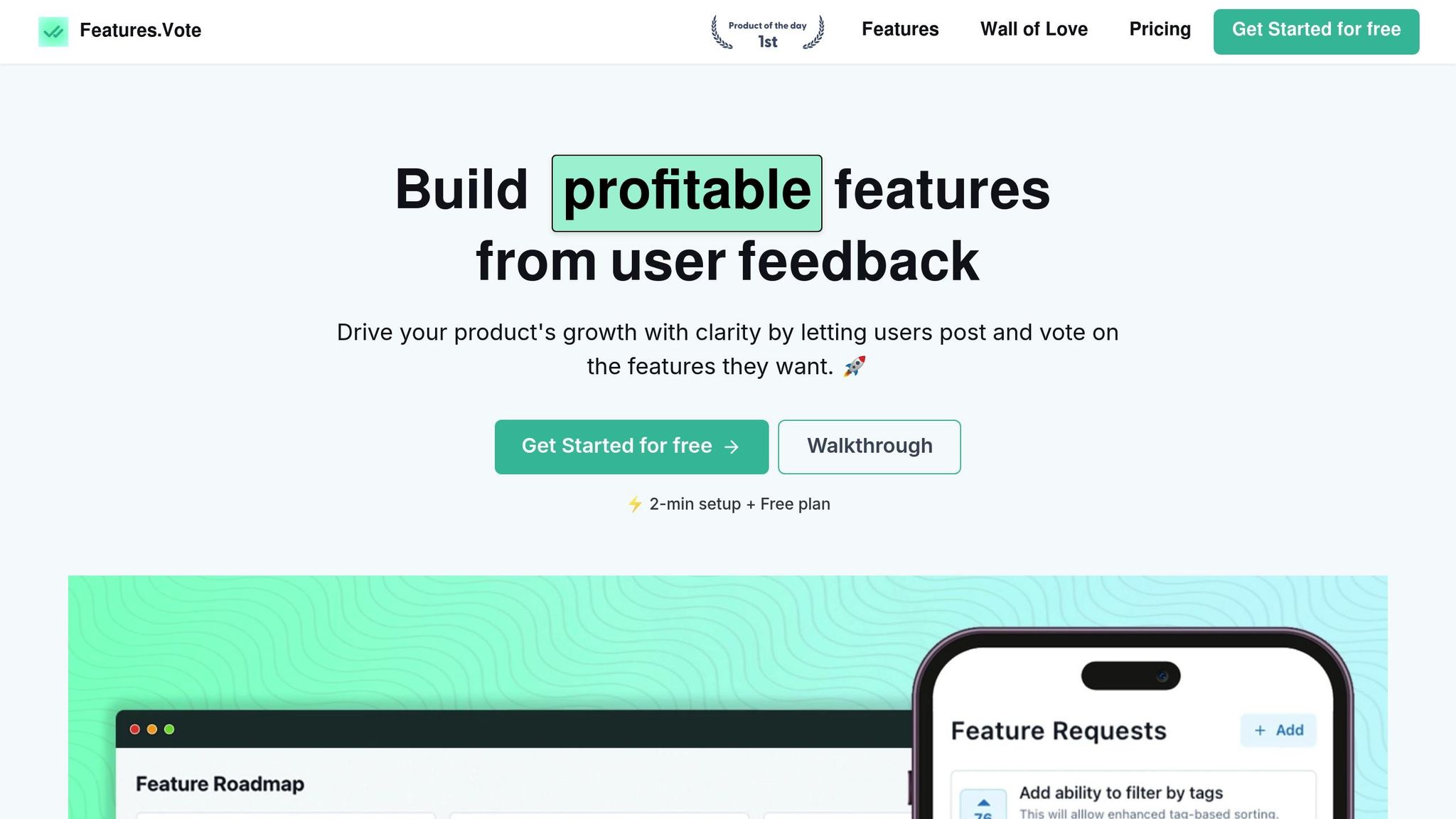
Features.Vote shines with its adaptable pricing and strong integration capabilities, making it an excellent choice for businesses looking to streamline feedback management. This platform offers a comprehensive set of tools, including voting boards, public roadmaps, and advanced customization options, all within a user-friendly interface. From gathering initial feature requests to tracking final implementation, it covers the entire feedback process.
What makes Features.Vote stand out is its pricing flexibility. The free plan supports up to 100 interactions with one project, making it perfect for startups. The Premium plan costs 99, the lifetime deal unlocks premium features for up to 1,000 interactions.
Customization is another strong point, with options for custom domains, styling, and the ability to remove branding. Seamless integration with existing workflows, along with moderation tools and user segmentation, ensures feedback quality remains high as your user base grows.
Featurebase
Featurebase is a modern feedback tool that allows unlimited feedback collection, even on its free plan. It combines voting forums, surveys, in-app widgets, and public roadmaps into a single interface, making it versatile and easy to use.
For businesses ready to invest in a more robust solution, paid plans start at $49/month. The platform’s survey integration capabilities are particularly useful, letting teams gather both quantitative voting data and qualitative insights through targeted questionnaires.
Nolt.io
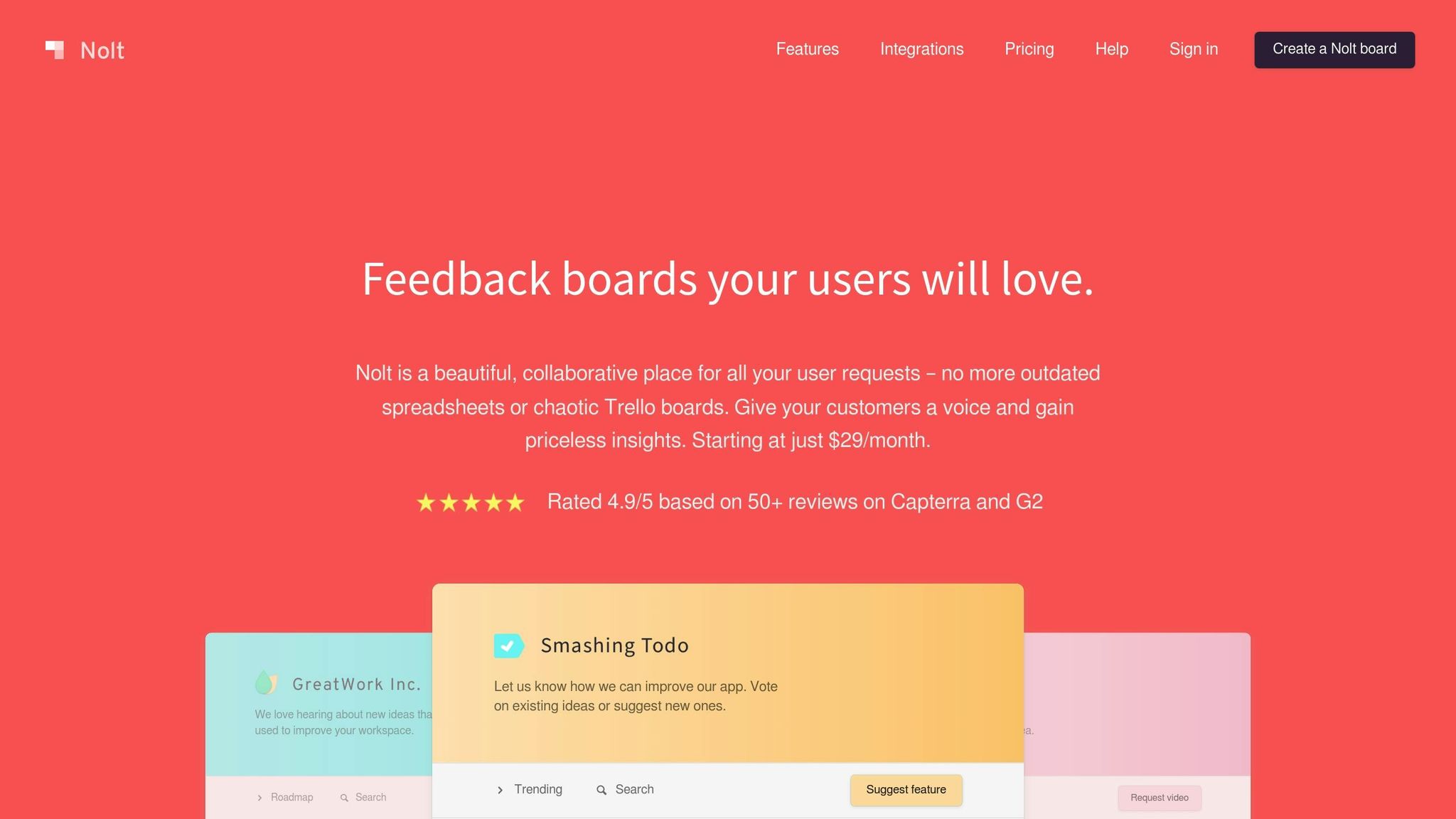
Nolt.io is all about simplicity and ease of use. Its clean, straightforward interface makes it approachable for both technical and non-technical users. Starting at $29/month, it’s a budget-friendly option for businesses that prioritize simplicity. While it may not offer the extensive features of some competitors, it’s a great fit for smaller teams that need a manageable, easy-to-navigate feedback tool.
Canny
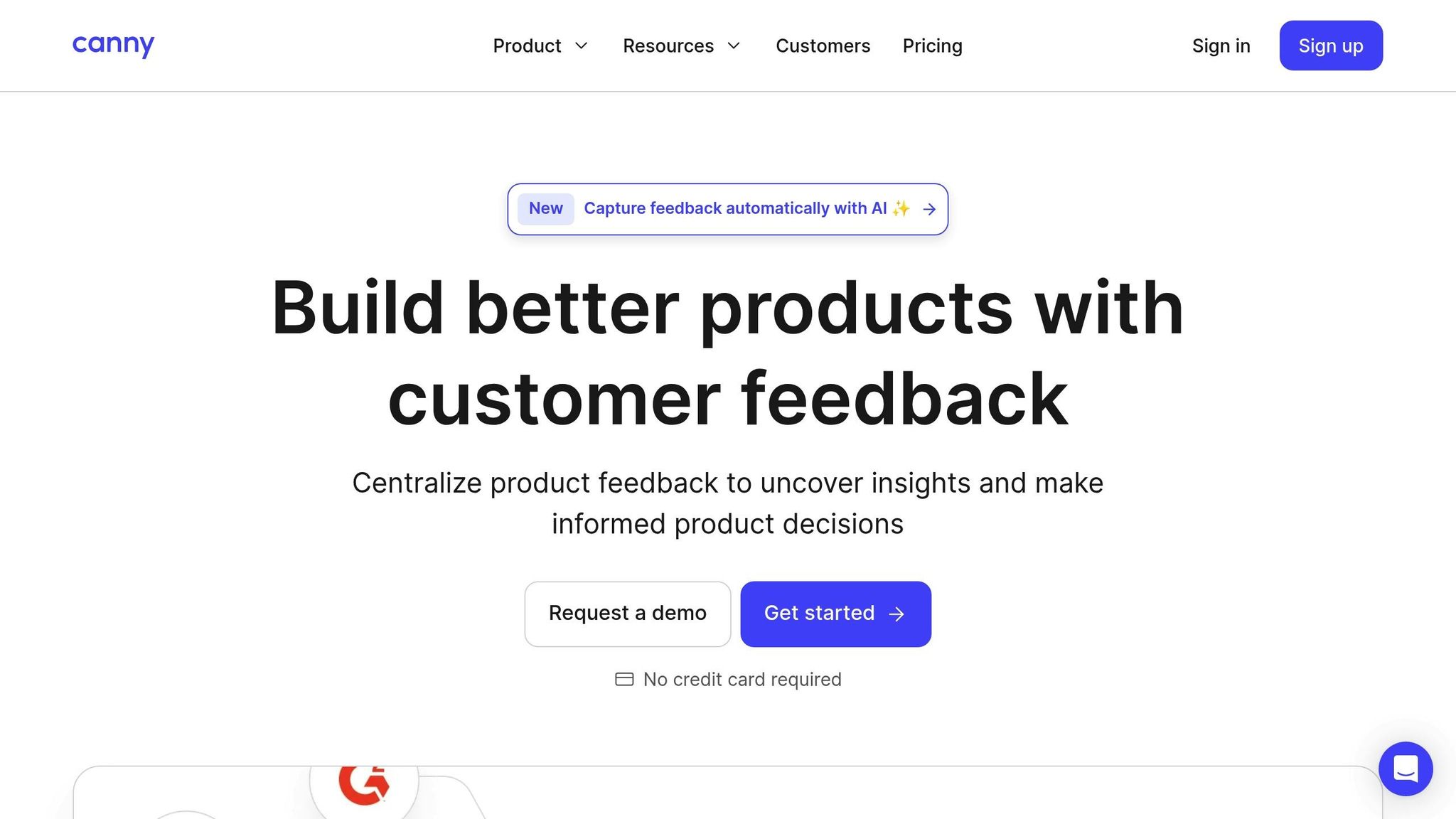
Canny caters to larger enterprises with its advanced feature set tailored for managing complex feedback scenarios. Pricing starts at 359/month offering the most value for organizations dealing with feedback from multiple sources and stakeholder groups. Its standout features include advanced integration options and a robust analytics suite, making it a powerful tool for handling extensive feedback workflows. However, the cost may be a barrier for smaller teams.
Frill
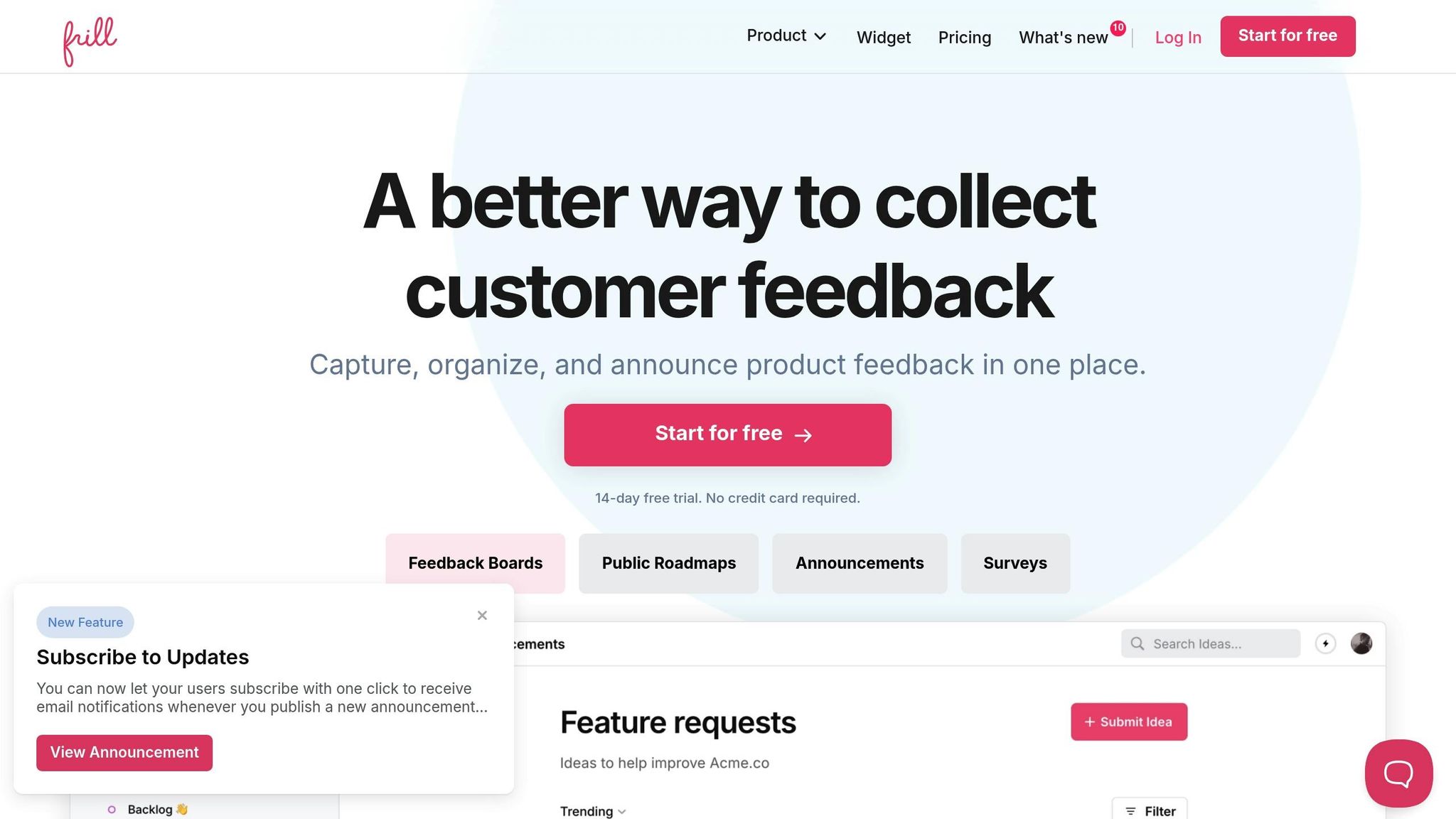
Frill strikes a balance for mid-sized businesses, combining sleek design with lightweight widgets that integrate seamlessly into existing applications. At $25/month, it offers a polished solution that allows companies to maintain their brand identity while collecting user feedback. Its simple integration and customization options ensure a smooth user experience without disrupting the overall design.
Sleekplan
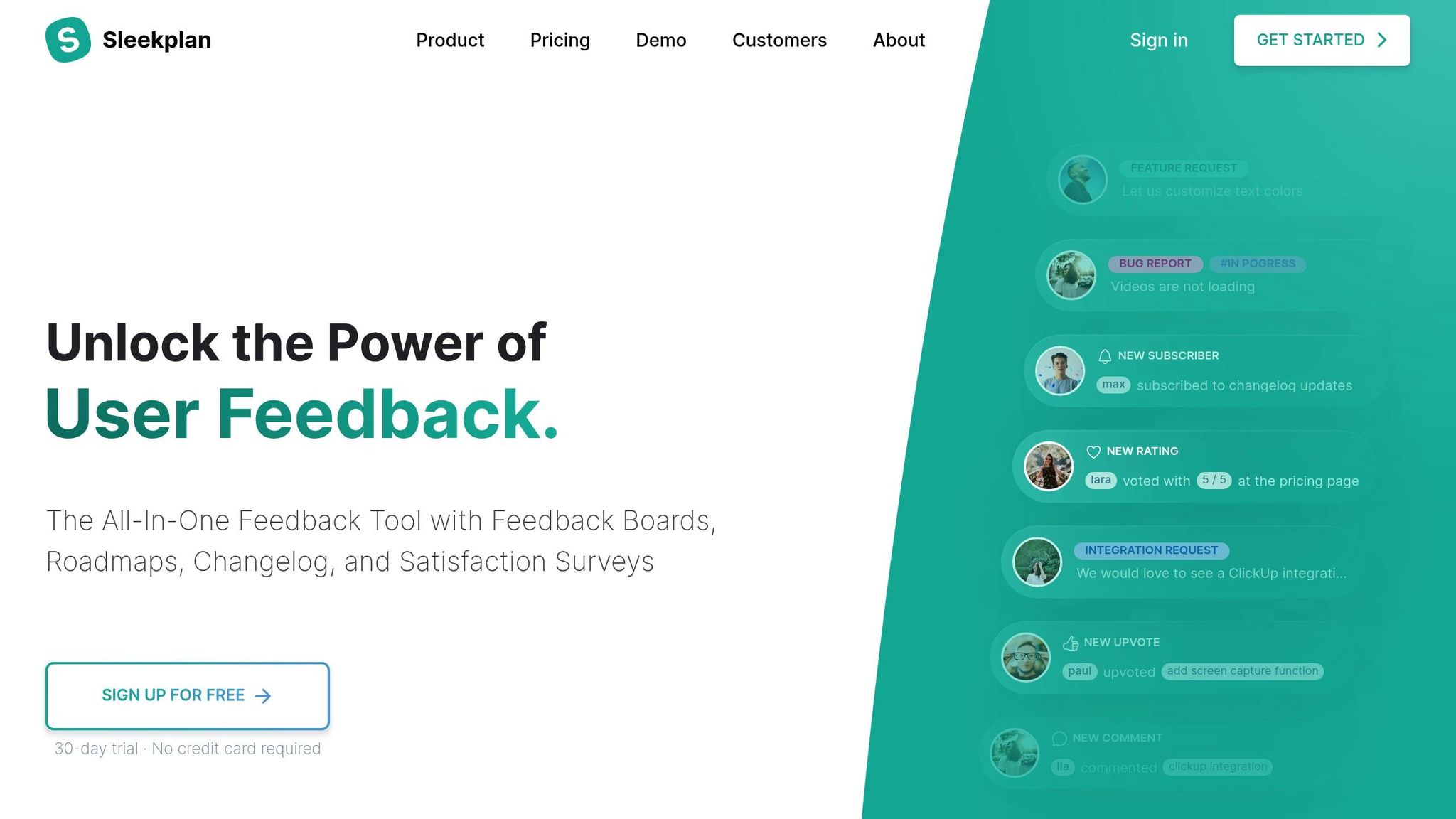
Sleekplan is an affordable option that doesn’t skimp on essential features. Starting at just $13/month, it combines feedback collection, roadmap creation, and changelog publishing, making it ideal for startups and small businesses on a tight budget. While its feature set is somewhat basic, it provides everything smaller teams need to get started with feedback management.
FeatureOS
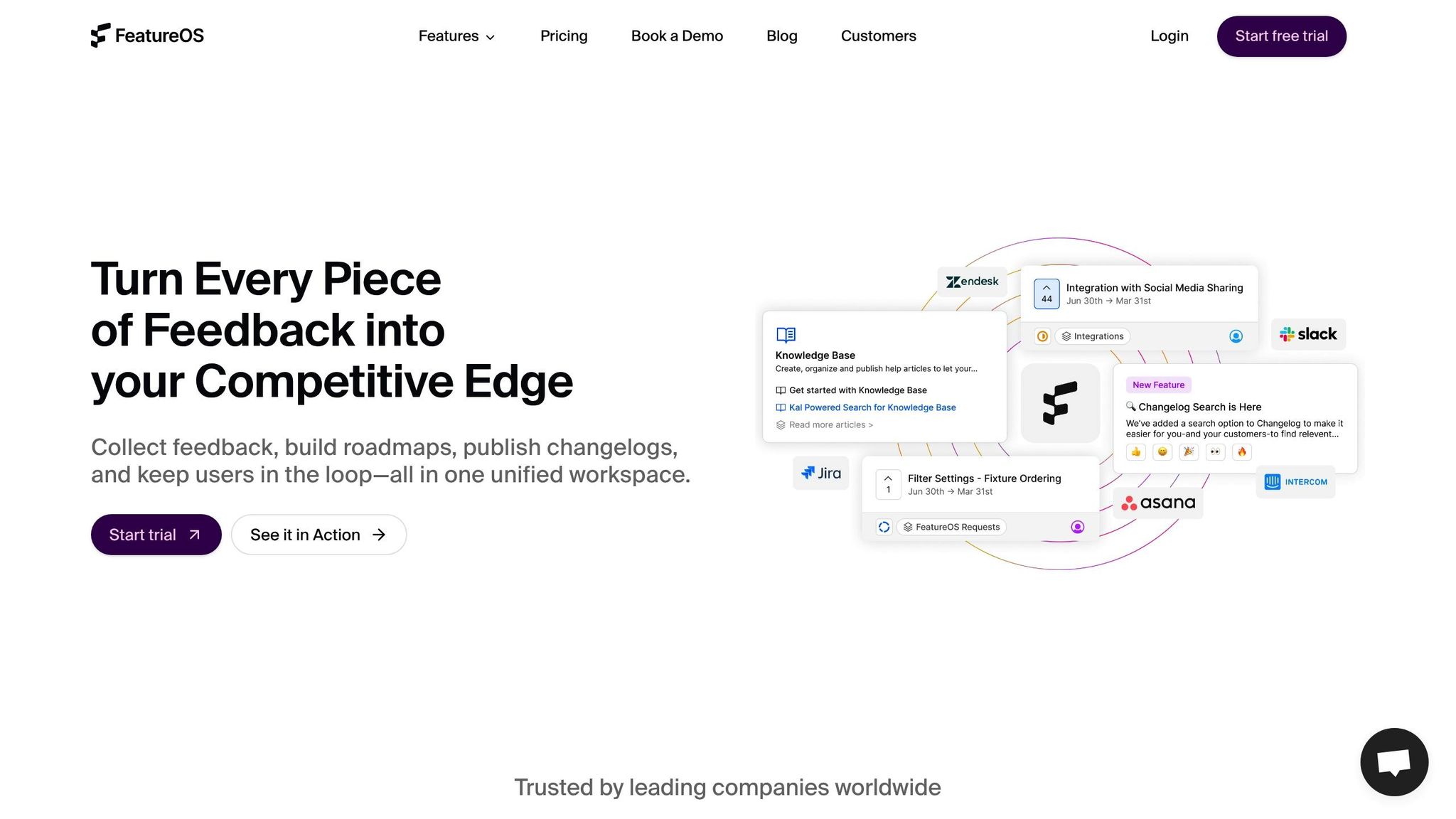
FeatureOS focuses on integrating feedback directly into product development workflows. Starting at $60/month, it excels at feeding feature requests into project management systems and development pipelines. However, its prioritization tools are limited, so it’s best suited for teams that already have an established framework for prioritizing features internally.
UserVoice
UserVoice is designed for enterprise-level feedback management, with plans starting at $899/month. This steep price reflects its extensive feature set, which includes advanced security, detailed customization options, and enterprise-grade analytics. It’s built for large organizations managing feedback from thousands of users across multiple products and channels.
"Competing products are much more complex and much more expensive. For the functionality we're looking for – a simple feedback community – the features we get are actually better than I expected and at a price that we can afford." - Heather Paunet, Untangle's VP of Product Management [1]
UserSnap
UserSnap is tailored for enterprise use, offering highly customizable widgets that integrate directly into applications. Priced at approximately $43/month (converted from 39 EUR/month), it allows businesses to create seamless, native-like feedback experiences with extensive customization options.
Upvoty
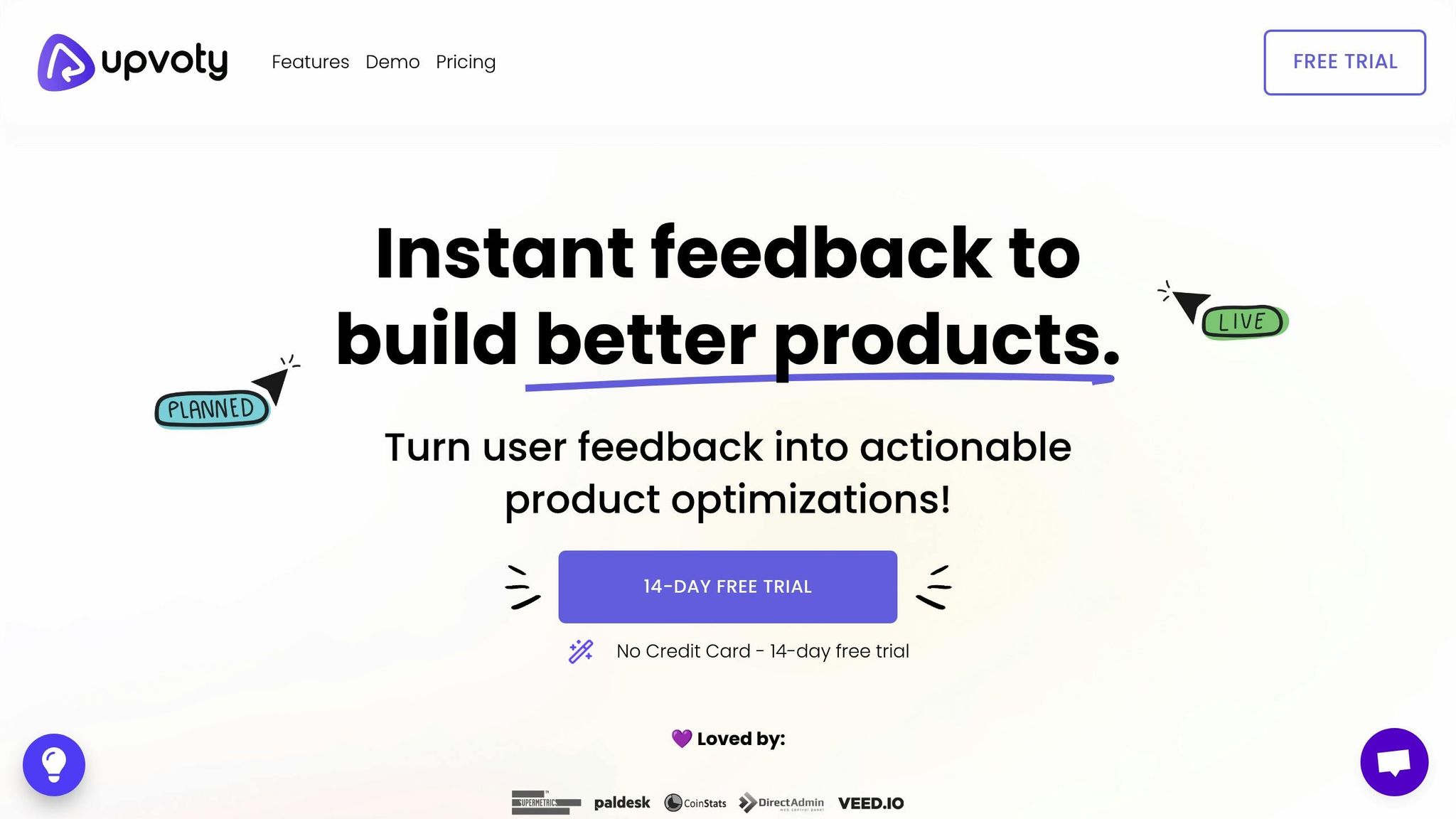
Upvoty is a budget-friendly tool starting at $15/month. While its interface might feel a little outdated compared to other options, it delivers reliable core functionality for teams on a budget. Its straightforward approach makes it a solid choice for organizations that need simple feedback collection without the added complexity of advanced analytics or heavy customization.
sbb-itb-87ea67c
Tool Comparison Table
When it comes to picking the right feature voting tool, comparing them side-by-side across key criteria can make the decision much easier. Below, you'll find a breakdown of tools based on factors that matter most to growing businesses: scalability, pricing, customization, analytics, integrations, and user segmentation.
| Tool | Starting Price | Scalability | Customization | Analytics | Integrations | User Segmentation | Key Limitations |
|---|---|---|---|---|---|---|---|
| Features.Vote | $19/month | Excellent – unlimited projects on paid plans | High – custom domains, styling, branding removal | Advanced analytics included | Multiple integrations available | Yes, on Premium plan | Free plan limited to 100 interactions |
| Featurebase | $49/month | Excellent – unlimited feedback, even on free plan | Deep customization with customer data | Robust analytics suite | Seamless integration capabilities | Yes, on Premium plan ($124/month) | Higher starting price point |
| Nolt.io | $29/month | Good for small to medium teams | Basic customization options | Standard reporting | Slack and Zapier integration | Limited segmentation | May lack robustness for larger companies |
| Canny | $79/month | Enterprise-focused, handles complex scenarios | Advanced customization for enterprises | Comprehensive analytics suite | Slack, Jira, and advanced integrations | Yes, on Growth plan ($399/month) | Free plan limits active posts to 100/month |
| Frill | $25/month | Good for mid-sized businesses | Sleek design with lightweight widgets | Standard analytics | SSO and basic integrations | Basic segmentation | Limited advanced features |
| Sleekplan | $13/month | Budget-friendly but limited features | White labeling on Business plan ($45/month) | Basic reporting with CSAT/NPS surveys | Standard integrations | User segmentation on Business plan | Post-merging available only on the third plan |
| FeatureOS | $60/month | Good integration with development workflows | Moderate customization | Limited prioritization tools | Strong Jira and Slack integration | Basic segmentation | Poor prioritization capabilities |
| UserVoice | $899/month | Enterprise-grade scalability | Extensive customization options | Advanced enterprise analytics | Enterprise-level integrations | Advanced segmentation | Very high cost barrier |
| Upvoty | $15/month | Basic scalability | Limited customization | Basic reporting | Zapier and Slack integration | Basic segmentation | Aged user interface |
Key Insights from the Comparison
A closer look at the table reveals several standout points:
- Scalability and Feedback Volume: For unlimited feedback collection, Featurebase shines with its free plan, while Canny restricts free users to 100 active posts monthly [4]. This distinction becomes critical as your user base and feedback grow.
- Pricing Range: Tools like Sleekplan (15/month) cater to tight budgets, while enterprise-level solutions like UserVoice (19/month) and Frill ($25/month), balance affordability and functionality.
- Customization and Analytics: Features.Vote and Featurebase excel in customization and analytics, making them ideal for businesses that need tailored solutions and in-depth feedback insights.
- Integrations: FeatureOS stands out for its seamless connection with project management systems, whereas Features.Vote and Featurebase focus on smooth user experience integrations.
According to recent data, 73% of customers expect brands to understand their unique needs and expectations [5]. This makes advanced analytics and user segmentation critical when choosing a tool. Tools like Features.Vote and Featurebase deliver on these fronts without breaking the bank.
Additionally, 69% of consumers are more loyal to brands that actively use their feedback [5]. Selecting a tool isn’t just a technical decision - it’s a strategic one. Choose the option that aligns best with your team size, budget, and feedback management goals.
How to Choose the Right Tool for Your Business
Picking the right feature voting tool is more than just a checkbox exercise. It’s about finding a solution that meets your current needs while being ready to grow alongside your business. A poor choice can waste resources and steer product development off course.
Start with Your Growth Stage and Feedback Volume
The size of your company and the amount of feedback you handle should heavily influence your decision. Early-stage startups and larger businesses face very different challenges. For startups with tight budgets, tools like Sleekplan or Upvoty offer the basics to validate product direction without stretching finances [2].
For mid-sized companies experiencing steady growth, scalability becomes key. Platforms like Features.Vote provide flexible plans, unlimited projects, and advanced analytics, making it easier to manage increasing feedback without needing a dedicated analyst.
On the other hand, enterprise-level organizations need tools that can handle large-scale operations and complex requirements. Solutions such as UserVoice are designed for this level of complexity, though their higher costs make them a better fit for businesses with larger budgets [2].
Once you’ve aligned the tool’s capabilities with your growth stage, make sure it integrates smoothly with your existing workflows.
Evaluate Integration Capabilities Early
A feature voting tool shouldn’t exist in a vacuum. It needs to connect seamlessly with your current tech stack to prevent data silos or workflow disruptions [6]. Before committing, take stock of your systems and pinpoint critical integration points. Ensure the tool works with your key platforms.
"If you pay attention to how customers are using your software, it is basically gold. You learn which features are being used and which aren't. Maybe in a certain area the end user adoption is going down. You become more of a partner with your customer and less of a vendor."
– Guy Gauvin, COO of Coveo [7]
Consider Your Team's Feedback Management Maturity
Not every organization needs advanced features right out of the gate. Match the tool’s complexity to your team’s current ability to manage feedback. If you’re just starting to collect structured feedback, look for a simple, intuitive platform. For example, Nolt.io offers an easy-to-use interface at a budget-friendly price, making it ideal for teams new to feedback management [2].
For teams with more experience, advanced tools with features like user segmentation, custom analytics, and automated workflows can help uncover deeper insights and drive smarter product decisions.
Factor in Customization and Brand Consistency
Your feature voting tool will often be a touchpoint for your users, so it should reflect your brand. Basic customization options, like adding your logo or adjusting colors, might be enough for some. But if maintaining a professional, brand-aligned appearance is critical, look for tools that offer advanced options like custom domains, full styling control, or white-label solutions. For instance, Features.Vote allows custom domains and the removal of branded elements on its paid plans, while some platforms offer white-labeling as a premium feature [2].
Plan for Feedback Processing Workflows
Collecting votes is just the beginning. Think about how your team will process and act on the feedback you gather. A good tool should streamline customer research, feedback categorization, and status tracking [3]. Features that consolidate feedback in one place, make categorization easy, and track progress on feature development are essential. The best tools also help you communicate updates to users, showing them which suggestions are being implemented and why [1].
Budget for Long-Term Value, Not Just Initial Cost
When evaluating pricing, don’t just focus on the monthly fee. Consider the long-term value the tool brings in terms of time saved and improved customer retention. A tool that simplifies feedback management can quickly pay for itself. Be mindful of potential hidden costs, such as data migration, retraining your team, or disruptions to established processes if the tool doesn’t scale with your business.
Investing in the right feature voting tool can strengthen customer relationships and improve product development efficiency. Research shows that increasing customer retention by just 5% can boost profits by 25% to 95% [7]. A well-chosen tool can help you achieve this by making customers feel heard and valued while aligning your product with their needs.
Conclusion
In this roundup, we’ve explored how feature voting tools can reshape the way companies innovate and respond to customer feedback. These platforms not only enhance engagement but also help businesses prioritize what truly matters to their users.
The earlier examples of improved customer retention highlight a powerful truth: when users feel heard, they’re more likely to stay loyal and engaged. Each tool we reviewed comes with its own set of strengths, making it easier to find a solution that fits your business - whether you’re a startup navigating tight budgets or a large enterprise managing an overflowing list of feature requests. The right tool can simplify feedback collection, save valuable resources, and help prioritize features with a data-driven approach.
However, no tool works in isolation. A strong product strategy combines feature voting with other feedback channels like user interviews, surveys, and usage analytics. The challenge is to balance user preferences with your business goals, technical feasibility, and long-term vision to make smart, informed decisions.
As you move forward, focus on selecting a tool that matches your current needs while leaving room for growth. Consider factors like team size, integration options, customization needs, and budget. And don’t forget to close the feedback loop - let users know when their suggestions are implemented, celebrate new features, and maintain open communication about your product roadmap. This not only strengthens customer relationships but also ensures your development stays aligned with real user needs.
Choosing the right feature voting tool can simplify your workflow, deepen customer engagement, and set your business up for success in the competitive landscape of 2025.
FAQs
::: faq
What should I look for in a feature voting tool to support my business growth in 2025?
When you're choosing a feature voting tool in 2025, it's important to zero in on the features that match your business goals. Start with scalability - the tool should be able to handle growth as your user base expands. Ease of use is another must-have, as it encourages both your team and users to actively engage. And don’t overlook security and data privacy - these are critical for earning and maintaining trust.
You’ll also want to explore tools that boost community engagement by letting users vote on ideas, share feedback, and keep tabs on progress. Integration with your existing software is another big plus, as it can simplify workflows and improve overall efficiency. By focusing on these aspects, you’ll be in a stronger position to prioritize what your users need and make meaningful product improvements. :::
::: faq
How can feature voting tools integrate seamlessly with my existing workflows and systems?
Feature voting tools are built to fit seamlessly into your existing workflows, offering compatibility with widely-used platforms like Slack, Jira, Zendesk, and Zapier. These integrations make it simple to share data and collaborate without disrupting the processes your team already relies on.
Many of these tools also come with webhook support and single sign-on (SSO) options, allowing easy connection to enterprise systems and authentication methods. This setup streamlines the way user feedback and feature requests are handled, ensuring they are smoothly integrated into your product management process. It’s a practical way to stay organized while staying responsive to what your customers want. :::
::: faq
Why is user segmentation essential in feature voting tools, and how does it influence product development?
Why User Segmentation Matters in Feature Voting Tools
User segmentation plays a key role in feature voting tools by helping businesses group their users based on factors such as location, subscription level, or revenue. This targeted approach allows companies to collect feedback that's more relevant to each specific group.
When businesses understand the unique needs of different user segments, they can focus on developing features that truly matter to each audience. This not only leads to more informed product decisions but also ensures a closer alignment with what customers want, boosting satisfaction and paving the way for sustained growth. :::