
- Published on
Ultimate Guide to Feedback Automation in SaaS
- Authors

- Name
- Gabriel P.
- @gabriel__xyz
Ultimate Guide to Feedback Automation in SaaS
Managing user feedback in SaaS can be overwhelming without automation. Here’s why feedback automation is essential and how it transforms the process:
- What it is: Feedback automation uses tools to collect, sort, and analyze user input automatically - saving time and reducing manual effort.
- Why it’s needed: Manual feedback processes are slow, inconsistent, and don’t scale. Automation ensures faster responses, better prioritization, and actionable insights.
- Key tools:
- Feature voting boards for prioritizing requests.
- In-app widgets for real-time feedback.
- Public roadmaps for transparency.
- Analytics dashboards for tracking trends.
- Survey tools like NPS and CSAT for structured input.
- Benefits: Faster product updates, improved customer satisfaction, and smarter resource allocation.
- Implementation tips: Identify key touchpoints, integrate with existing systems, and ensure compliance with privacy laws like CCPA or HIPAA.
Feedback automation helps SaaS teams stay connected to users while driving better product decisions. The right tools and workflows make scaling feedback management achievable and efficient.
How to create a fully automated user feedback workflow
Tools for Automating Feedback Collection
Feedback automation tools are essential for gathering, organizing, and analyzing user input efficiently. Knowing the main categories and their strengths can simplify the decision-making process. Here's a breakdown of the key types of tools that streamline feedback collection.
Main Types of Feedback Automation Tools
Feature Voting Boards: These allow users to submit and prioritize feature requests by voting. This helps product teams focus on features with the strongest user demand, making prioritization more straightforward.
Embedded Widgets: These are integrated directly into your application, enabling users to provide feedback at key moments in their journey. Tools like feedback forms, rating systems, and quick surveys can be strategically placed to gather real-time input. Surveys embedded in context have a 38% higher completion rate compared to email surveys [1].
Public Roadmaps: By sharing planned features and development timelines, public roadmaps let users comment on and vote for upcoming updates. This transparency fosters trust and shows users how their suggestions influence future improvements.
Analytics Dashboards: These tools transform raw feedback into actionable insights, often using AI-powered categorization and sentiment analysis. They help identify trends, common pain points, and emerging user needs.
Survey Automation Tools: These streamline structured feedback collection through methods like NPS, CSAT, and CES surveys. Notably, surveys kept under 5 minutes see an 89% completion rate, while those exceeding 10 minutes drop to 55% [1].
One platform that combines all these features into a single solution is Features.Vote.
Features.Vote: A Comprehensive Feedback Solution
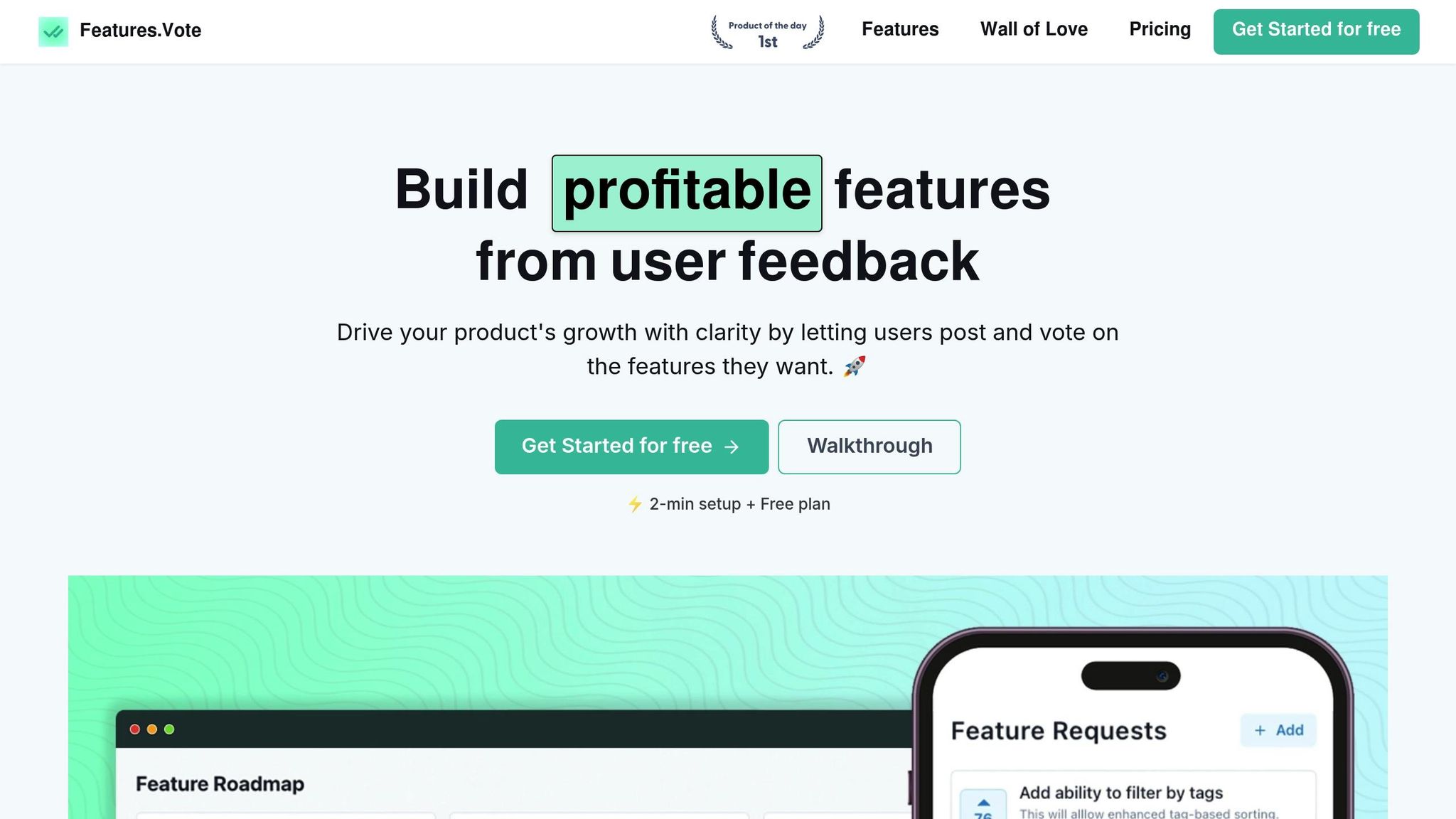
Features.Vote is a platform tailored for SaaS companies, integrating multiple feedback automation tools into one cohesive system. It addresses the challenges of fragmented feedback management with the following features:
Public Voting Board: This central hub allows users to submit and vote on feature requests. The voting process is frictionless, requiring no additional logins, which encourages higher participation and simplifies prioritization.
In-app Widgets: These customizable widgets fit seamlessly into your application, capturing user feedback when it's most relevant. They can even match your app's design, including light and dark mode compatibility.
Public Roadmap: By showcasing what your team is working on and timelines for new features, this feature builds trust and manages user expectations. It also reinforces that user feedback directly impacts product development.
Analytics and User Segmentation: Available in the Premium plan, these tools help teams identify patterns in feedback based on user demographics or behavior. Moderation tools ensure submissions are reviewed before they appear publicly, while email notifications keep teams updated on new feedback.
Integration Capabilities: Feedback can be sent directly to your project management system, ensuring it doesn't get lost in the shuffle.
How to Choose Feedback Tools for Your SaaS Business
Selecting the right tool is crucial to overcoming the challenges of manual feedback management. Here are key factors to consider:
User Interface: Look for a platform that's intuitive and easy for your team to use without extensive training.
Feature Set: If prioritizing features is your main goal, choose tools with strong voting systems and clear roadmaps. For teams focused on user experience, prioritize survey automation and sentiment analysis.
Scalability: Ensure the tool can handle large volumes of feedback in real time, keeping insights actionable even under heavy usage.
AI Capabilities: Features like sentiment analysis, categorization, and natural language processing (NLP) reduce manual effort and provide consistent insights.
Integration Options: The tool should integrate smoothly with your existing project management, support, and communication platforms to avoid feedback silos.
Pricing: Consider whether the pricing fits your budget and how costs may scale with usage or user volume.
Customer Support: Evaluate the quality of support, including response times, available channels, and the clarity of documentation or training resources.
Research from Harvard Business Review highlights that 94% of customers are likely to repurchase when interactions with a business are "low effort", while 81% view "high effort" experiences negatively [2]. Additionally, SaaS companies that excel in feedback management can achieve tangible benefits, such as 48% faster innovation cycles, 37% lower Customer Acquisition Cost (CAC), and 29% higher EBITDA margins [1]. These insights underscore how the right feedback tools not only improve user satisfaction but also contribute to measurable business growth.
How to Implement Feedback Automation
Creating a system to automate feedback collection can streamline insights while ensuring a smooth user experience. Here's how to set up a feedback automation framework tailored to your SaaS business.
Setting Up Feedback Automation Workflows
Start by identifying key moments in the user journey - such as after onboarding, using a new feature, interacting with support, or during subscription renewals - when users are most likely to provide meaningful feedback.
Define specific triggers for feedback requests. For example, send feature request prompts after users complete relevant actions, and schedule NPS (Net Promoter Score) surveys quarterly. CSAT (Customer Satisfaction) surveys, on the other hand, work best when sent immediately after a support interaction.
Different types of users - like new customers, power users, trial participants, or enterprise clients - have varying feedback needs. Customize workflows to address these differences.
Integrate your feedback system with tools like your CRM to automatically tag customer records with feedback data. Similarly, connect with project management platforms like Jira or Linear to ensure feature requests flow directly into the development queue, eliminating manual steps.
For critical bug reports, set up workflows to route them to the appropriate team for immediate action. Feature suggestions can follow standard workflows, with automated acknowledgments sent to users to keep them informed.
Data Privacy and Compliance Requirements
Once your workflows are in place, ensure they align with privacy and compliance standards. In the U.S., feedback collection must adhere to both state and federal regulations.
For users in California, comply with the CCPA by being transparent about data collection practices and honoring deletion requests. If your SaaS platform operates in specialized industries, additional regulations may apply. For instance, healthcare platforms must follow HIPAA guidelines when handling feedback that includes protected health information, while financial SaaS tools need to meet GLBA requirements for managing sensitive financial data.
To safeguard user information, collect only the data you absolutely need and encrypt sensitive details. Set clear data retention policies and automate deletion processes wherever possible.
Always obtain user consent before collecting feedback, especially when using in-app widgets or automated surveys. Offer clear opt-out options and respect user preferences immediately. Include detailed explanations about feedback data usage and protection in your privacy policy.
Implement role-based access controls to limit who can see specific types of feedback. For example, customer support teams might need access to bug reports and feature requests, while marketing teams might only require aggregate satisfaction scores and testimonials.
Optimizing Feedback Touchpoints for Better User Engagement
With compliance covered, shift your focus to improving how and when you ask for feedback. Well-timed, context-aware prompts are far more effective than frequent, poorly placed ones.
Use in-app widgets that fit naturally within your app's design - like on settings pages or after users complete complex workflows. Avoid interrupting users during critical tasks or following error messages, as this can create frustration.
Send post-interaction surveys promptly - ideally within 24 hours of the event. For support tickets, immediate follow-ups capture insights while they’re still fresh.
Start with a simple question, like a rating, and then offer optional follow-ups for users who want to provide more details. Make sure feedback forms are mobile-friendly, with layouts designed for touch navigation.
Personalize your requests by addressing users by name and referencing their recent activity. Generic messages often feel impersonal and are more likely to be ignored.
Take inspiration from tools like Features.Vote, which offers customizable widgets that blend seamlessly with your app’s interface, including support for light and dark modes. This consistency makes feedback collection feel like a natural part of the user experience rather than a disruption.
To refine your approach, A/B test different designs and timing for feedback prompts. Experiment with widget placement, colors, messaging, and triggers. Measure not just the response rate but also the quality of the feedback you receive.
Finally, close the loop by showing users how their feedback has influenced your product. Whether it’s fixing a bug they reported or adding a feature they suggested, demonstrating that their input matters encourages ongoing participation. Public roadmaps are a great way to highlight how user feedback shapes your development priorities, fostering trust and engagement over time.
sbb-itb-87ea67c
Using Reporting and Analytics for Data-Driven Decisions
Once automated feedback collection is up and running, the next step is making sense of all that data. Analytics tools can transform raw feedback into actionable insights, helping teams make smarter decisions about product development and improving the user experience. By identifying patterns and trends, these tools ensure that decisions are based on real data rather than guesswork.
Using Dashboards to Monitor Feedback Trends
Platforms like Features.Vote offer customizable dashboards that make it easy to track feedback trends in real time. These dashboards can be tailored to provide high-level executive summaries or more detailed technical views, depending on what’s needed. They also automatically categorize and prioritize feedback, helping teams quickly identify trends and focus on opportunities that will have the most impact.
Creating Visual Reports for Stakeholders
Visual reports are a great way to turn complex data into clear, actionable insights. Different types of charts and graphs can help communicate feedback data effectively:
- Bar charts are ideal for comparing feedback across categories, like satisfaction levels for various product features or response times by support teams. They’re also great for showing changes over time, such as monthly trends in feature requests [3].
- Heatmaps can uncover patterns in user behavior or satisfaction that might not be obvious with other charts. For example, they can highlight which product areas are getting the most attention or show variations across different user demographics. Use clear color gradients to make these insights easy to interpret [3].
- Line graphs are perfect for tracking trends over time, such as shifts in satisfaction scores or the volume of feedback collected over several months [3][4].
When creating reports, it’s important to tailor them to the audience. Executives often prefer concise summaries that focus on key performance indicators, while technical teams may need more detailed charts for deeper analysis [3].
To make reports as effective as possible, structure them strategically. Include these elements:
- An executive summary to provide a quick overview.
- Clear objectives to set the stage.
- A breakdown of the feedback methodology to explain how data was collected.
- Key data highlights that showcase the most important findings.
- Customer segmentation insights to add context.
- SMART recommendations (specific, measurable, achievable, relevant, and time-bound) to outline actionable next steps [4].
Start reports by emphasizing positive findings to set a constructive tone, then address challenges alongside potential solutions. This approach keeps stakeholders engaged and encourages productive discussions [4]. Use visual cues - such as green for positive trends, red for areas that need attention, and yellow for things to monitor - to make the data more intuitive and impactful.
Building a User-Focused SaaS Through Feedback Automation
Feedback automation is transforming how SaaS companies interact with users and refine their products. By simplifying the way teams gather, analyze, and act on user input, it creates a continuous improvement cycle that boosts both user satisfaction and business growth. This seamless loop of feedback aligns perfectly with the automated workflows discussed earlier, ensuring consistent product enhancement.
Why Feedback Automation Matters for SaaS Teams
Switching from manual to automated feedback processes can bring noticeable improvements across various aspects of your business. Automated systems cut down on the time spent on repetitive tasks like data entry, sorting, and analysis. Instead of sifting through feedback for hours, teams can focus on implementing changes and building stronger connections with users.
Here are some key advantages of feedback automation:
- Deeper user insights: Automated feedback channels provide a steady stream of data, helping teams better understand user needs, frustrations, and feature requests.
- Faster development cycles: Real-time access to prioritized feedback allows teams to make decisions quickly, rather than waiting for quarterly reviews.
- Improved user satisfaction: Quick responses to feedback - like automated acknowledgments, updates, and feature announcements - show users that their input matters.
- Smarter resource allocation: Data from feedback automation highlights which features or updates will deliver the most value, guiding teams to focus on what users truly need.
Steps to Implement Feedback Automation
To make the most of feedback automation, start by examining your current processes. Identify bottlenecks, inefficiencies, and areas where valuable insights might be slipping through the cracks. Ask yourself: How does feedback enter your system? How long does it take to process? Are you losing important user input along the way?
Consider integrating tools like Features.Vote into your product. This platform offers voting boards, public roadmaps, analytics, and user segmentation, making it easy to capture and act on feedback. Its customizable widgets can be embedded directly into your app, allowing users to share their thoughts without leaving the platform.
Begin with a pilot project to test the waters. Focus on one area of your product or a specific stage in the user journey. Set up automated feedback collection at key touchpoints, configure analytics to track trends, and create workflows for handling different types of feedback. This approach helps you refine your system before rolling it out more broadly.
Training your team is essential. Ensure everyone knows how to use the new tools, and clearly define roles for monitoring and acting on feedback. Establish guidelines for when human input is required, and create a process for escalating urgent issues or standout insights.
Ultimately, feedback automation works best when it's woven into your product development culture. Regularly review feedback trends, communicate openly about how user input shapes decisions, and follow up with users who take the time to share their thoughts.
FAQs
::: faq
How can SaaS companies stay compliant with data privacy laws when automating feedback collection?
To ensure compliance with data privacy laws when automating feedback collection, SaaS companies need to focus on transparency and strong security measures. Make it clear to users how their data is being collected, stored, and used. Providing this clarity helps customers feel confident in your practices.
On the security front, use tools like data encryption, access controls, and conduct regular audits to safeguard sensitive information against potential breaches.
It's also crucial to stay up-to-date with regulations like GDPR or CCPA. These laws can change, so regularly reviewing and updating your processes is essential. Another smart move? Build privacy features right into your feedback tools. This not only simplifies compliance but also strengthens trust with your users. :::
::: faq
How can I effectively integrate feedback automation tools with my project management system?
To integrate feedback automation tools with your project management system effectively, begin by establishing API connections. This allows for real-time data sharing, cutting down on manual work and ensuring feedback moves seamlessly into your workflows without disruptions.
Develop a structured approach for gathering and organizing feedback, prioritizing it based on its importance and potential impact. Keep a close eye on the integration to promptly address any issues and maintain smooth operations. By automating feedback collection and syncing it with your project management tools, you can simplify processes, make feedback more actionable, and support better decision-making. :::
::: faq
How does automating feedback collection streamline product development for SaaS companies?
Automating feedback collection allows SaaS companies to gather real-time insights into what their customers need and want. By cutting out the delays and manual work that come with traditional feedback methods, teams can spot usability issues or feature requests much faster and act on them right away.
Using automated tools, businesses can focus on the updates that users care about most. This means development efforts are aligned with customer expectations, speeding up release cycles and boosting user satisfaction by rolling out features that genuinely make a difference. :::