
- Published on
How Live Chat Widgets Improve User Feedback
- Authors

- Name
- Gabriel P.
- @gabriel__xyz
How Live Chat Widgets Improve User Feedback
Live chat widgets make collecting user feedback faster and more effective. Unlike surveys or email forms, they allow real-time conversations directly on websites or apps. This helps businesses understand user needs immediately and make quicker decisions. Key benefits include:
- Instant Feedback: Gather user insights as they interact with your product.
- Higher Participation: Easy-to-use chat tools increase response rates.
- Better User Connection: Personal, interactive chats build trust.
- Smart Integration: Connect chat tools with CRMs or feedback systems for organized data.
Get Real-time Feedback From Your Users With LiveChat!
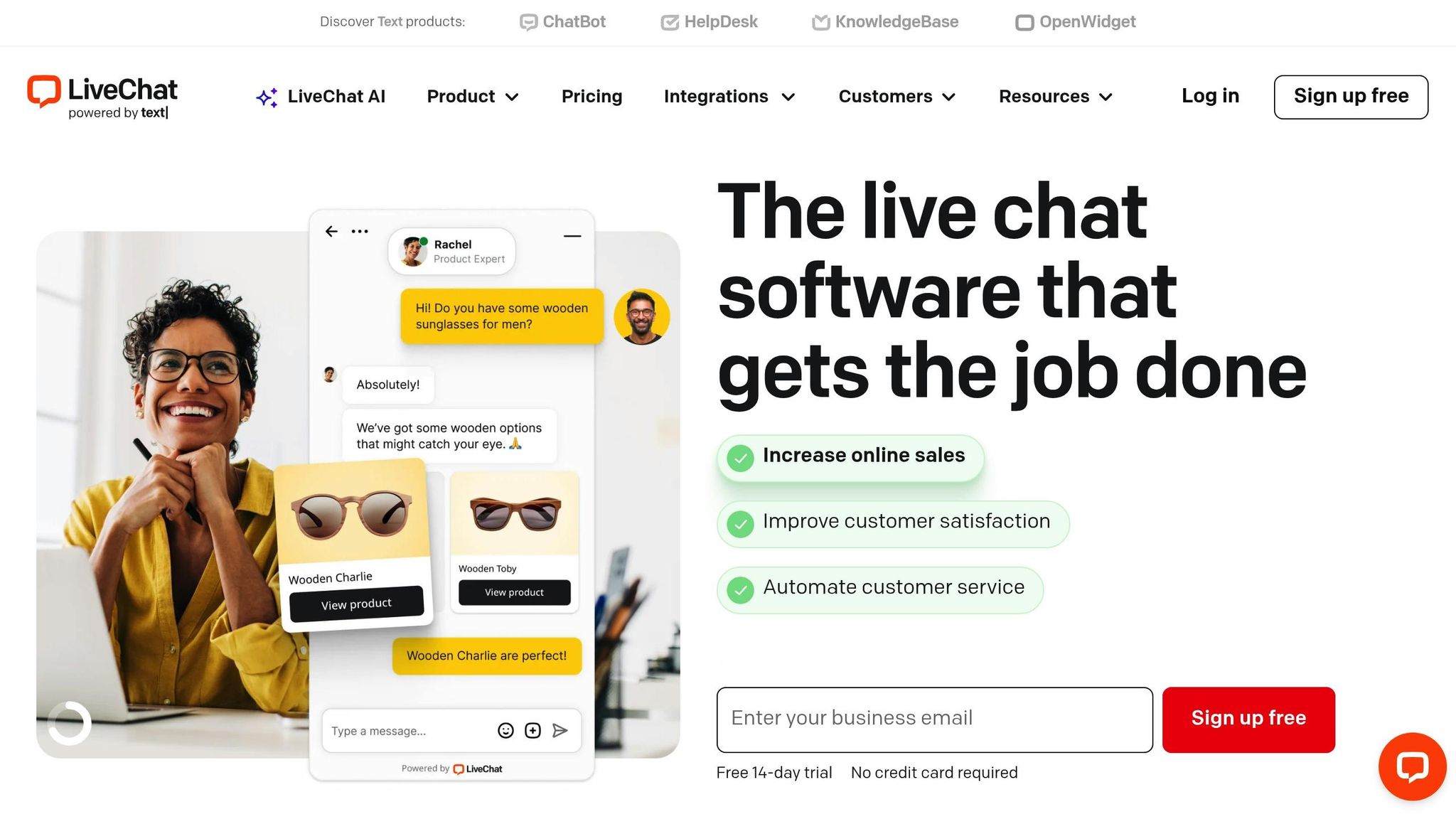
Benefits of Live Chat Widgets for User Feedback
Live chat widgets break down traditional barriers, making it easier for businesses to gather timely and authentic user insights.
Real-Time Insights for Better Decision-Making
With live chat widgets, user reactions are captured instantly - right when experiences are fresh. Instead of waiting days or weeks for feedback, teams can quickly identify issues and make adjustments during product launches, updates, or rollouts. This immediacy helps prevent small problems from turning into bigger ones.
The conversational nature of live chats also encourages users to share detailed feedback, offering more depth than a simple star rating or checkbox. This richer context not only speeds up decision-making but also fosters a stronger connection with users, as they feel heard and valued.
Increased User Participation
Live chat widgets make it easier for users to provide feedback, leading to higher participation rates. In fact, 48% of consumers consider live chat the most satisfying way to get customer support [1]. The low-effort design allows users to click a chat icon and share their thoughts immediately - an especially convenient option for mobile users.
Proactive chat invitations, triggered by user behavior, can further boost engagement. For example, a timely prompt during a key moment in the user’s journey encourages them to share feedback while their experience is still top of mind. Adding chatbots to guide users through conversational surveys can make the process feel seamless and natural.
Building Trust and Transparency with Users
Live chat isn’t just about speed and convenience - it’s also a powerful tool for building trust. When businesses actively invite feedback through accessible channels, it shows they genuinely care about their customers' opinions and are dedicated to improving.
As the LiveChat Help Center puts it, "Transparency builds trust by demonstrating your commitment to data protection" [2]. By clearly explaining how feedback will be used and adhering to privacy standards like GDPR, companies can reassure users that their information is safe.
Additionally, the personal touch of live chat - even when automated - creates a sense of connection that traditional feedback methods often lack. With clear privacy notices and consent prompts in place, businesses can make the process feel secure and trustworthy. This ultimately leads to more meaningful insights and stronger relationships with customers.
How to Integrate Live Chat Widgets
Adding live chat widgets to your site can be a game-changer, but it’s all about placing them strategically so users can easily share their feedback. Done right, this can lead to smoother user experiences and better feedback management.
Widget Placement and Design
For desktop users, the bottom-right corner of the screen is ideal. It aligns with natural reading patterns and stays visible without covering key content. In fact, research shows that 85% of customers are satisfied with live chat when it’s placed thoughtfully [3].
On mobile, consider placing the widget at the bottom-center or using a sticky bottom bar. Make sure it’s easy to tap but doesn’t block important content.
Focus on high-value pages like checkout, pricing, demo, or support sections. Keep the area around the widget clean to naturally draw attention.
Labeling matters. Use straightforward phrases like "Chat Now" or "Get Help" to avoid confusion. A simple speech bubble icon works well, especially on mobile screens where space is limited.
When it comes to design, aim for balance. Choose colors that stand out but still match your brand. Subtle animations, like a soft pulse, can catch the eye without being overbearing. And since 64% of internet users value 24/7 availability in chatbots [4], make sure your widget clearly communicates when support is available.
Customizing Widgets to Match Your Brand
Your chat widget should feel like a natural part of your website. Use consistent colors, fonts, and styling to build trust and encourage users to engage.
Start by matching the widget’s button and chat window to your brand colors. If your website has rounded corners, reflect that in the widget’s design. Stick to your site’s typography and maintain a tone in automated messages that aligns with your brand voice.
Personalization can make a big difference. Since 71% of consumers prefer personalized interactions [3], tailor greetings to the page a user is on. For instance, on a pricing page, the widget could say, "Questions about our plans?" or on a product page, "Need help with this feature?"
Don’t forget about accessibility. Make sure the widget works with screen readers, supports keyboard navigation, and offers multilingual options if your audience is diverse. These features ensure you’re gathering feedback from all users.
Connecting Widgets to Feedback Management Tools
The real magic happens when your live chat connects to tools that organize and act on user feedback. 79% of businesses report improvements in sales, loyalty, and revenue [3] when they use live chat to turn feedback into actionable insights.
Start with CRM integration. Linking live chat to a CRM allows agents to access user histories, making their responses more informed and helpful.
For feedback, tools like Features.Vote can help transform casual conversations into structured insights. If a user mentions a feature request or reports a bug, that information can flow directly into your feedback system, saving time and effort.
Using pre-chat forms can also streamline the process. For example, let users select options like "Report a Bug", "Feature Request", or "General Question" to ensure their feedback reaches the right team quickly.
Finally, automation tools like Zapier can connect your chat with project management systems, automatically creating tickets for reported issues. Adding visual feedback tools, such as options for users to share screenshots or screen recordings through the chat, can provide clearer context for their concerns or suggestions.
With your live chat widget set up and integrated, you’re ready to take the next step: gathering actionable feedback effectively.
sbb-itb-87ea67c
Best Practices for Collecting Useful Feedback
Gathering feedback effectively hinges on asking the right questions at the right time while ensuring users feel their data is handled securely. Here’s how to make your feedback collection process more impactful.
Timing Feedback Requests
When you ask for feedback can make or break the quality of responses. Users are most likely to provide thoughtful feedback right after completing a key interaction or milestone. For instance, ask for their input after they’ve reviewed pricing, finished a demo, or downloaded a resource. However, avoid disrupting active transactions - wait until the process is complete.
Context matters, too. A user browsing help documentation might be dealing with a specific issue, making it an ideal moment to gather insights about potential challenges. Exit-intent triggers, which prompt users about to leave a page, can also reveal obstacles they encountered. Once you’ve nailed the timing, focus on crafting questions that yield actionable insights.
Getting Specific and Constructive Responses
Vague questions lead to vague answers. Instead of asking, “How was your experience?” try something more precise like, “What part of setting up your account was unclear?” Keep your surveys short and to the point - 2 to 5 questions work best to avoid overwhelming users.
Use a mix of close-ended questions for quick metrics and open-ended ones for detailed feedback. For example, you can ask, “On a scale of 1 to 10, how easy was the setup process?” followed by, “What could we do to make it easier?” Personalize questions by referencing the user’s recent actions to make them feel more engaged. And remember, don’t ask for too much personal information upfront - it can discourage participation.
Privacy and Security Considerations
Trust is the cornerstone of effective feedback collection. Be upfront about what data you’re gathering, why you need it, and how it will be used. Limit your data collection to what’s absolutely necessary and make sure all information is transmitted securely using encrypted connections. Follow U.S. privacy regulations, including state and federal laws, and always provide clear opt-out options. If a user requests their data be deleted, honor that request promptly.
Offering the option to submit feedback anonymously can encourage more honest responses, especially for sensitive topics. Additionally, define your data retention policies and communicate them clearly so users know their feedback will remain relevant and secure.
Features.Vote makes it easy to collect structured feedback while prioritizing user trust and regulatory compliance, seamlessly integrating privacy-conscious practices into your existing systems.
Measuring Live Chat Widget Performance
Tracking the right metrics is essential to understand how your live chat widget is performing. Without proper measurement, refining your approach to gathering user feedback becomes a challenge.
Key Metrics to Track
Feedback Volume: Keep an eye on the number of feedback submissions coming through your chat widget. Compare this data with other feedback channels to see how it stacks up.
Response Time: Monitor how quickly your team responds to users. Incorporating automated acknowledgments can help keep users satisfied while they wait for a full response.
Completion Rates: Measure the percentage of users who finish the feedback process after starting it. If completion rates are low, it might mean your feedback form is too complicated or lengthy. Simplifying the process can encourage more users to follow through.
User Satisfaction: Use short surveys to gauge how satisfied users are and to pinpoint areas where they’re encountering friction.
Feedback Quality: Review the feedback you’re receiving to ensure it’s actionable and valuable for making improvements.
These metrics provide a foundation for refining your approach and making continuous improvements.
Creating a Continuous Improvement Process
Set up a structured process for regularly reviewing feedback. This could include team meetings to analyze trends and identify recurring issues. When multiple users flag the same problem, it’s worth prioritizing that issue in your product development roadmap.
Automated alerts can be a lifesaver for urgent feedback. For example, flagging keywords like "error" or "cannot access" ensures your team can respond quickly to critical problems.
Document your response protocols for handling different types of feedback. Whether it’s a feature request or a technical issue, having clear workflows ensures that nothing falls through the cracks. Tools like Features.Vote can help by categorizing feedback and highlighting priority issues through voting mechanisms. Their analytics dashboard also tracks trends and shows how your improvements are impacting users over time.
Before and After Implementation Metrics
Before rolling out your live chat widget, establish baseline data for key metrics like feedback volume, response times, and user satisfaction. Once the widget is live, compare these baseline numbers to post-implementation data to measure its impact. Look for changes in areas like feedback volume, completion rates, and overall satisfaction.
Keep tracking these metrics over time to spot adoption trends and seasonal patterns. Some improvements, like a boost in feedback volume, might show up quickly. Others, such as enhancements to your product development process, could take longer to become noticeable.
Finally, compare the costs of implementing the system with the results it delivers. This will help you assess whether the investment is paying off in terms of value and effectiveness.
Conclusion
Live chat widgets have changed the way businesses gather user feedback by enabling real-time, direct communication. This approach allows companies to collect insights that feel more genuine and actionable compared to older feedback methods, paving the way for smarter product updates.
With instant access, live chat widgets make it easy to address user concerns quickly, leading to faster issue resolution and product enhancements. When paired with effective measurement and analysis, these tools become essential for making informed product development decisions.
For a seamless workflow, consider integrating your live chat widget with platforms like Features.Vote. This ensures that user feedback is organized and prioritized, so no valuable insight gets overlooked. It’s a practical way to create products that align with what users actually want.
Consistent monitoring - whether it’s tracking completion rates, response times, or the quality of feedback - helps turn insights into meaningful improvements. Over time, these efforts build trust and strengthen the relationship between you and your customers.
FAQs
::: faq
How can live chat widgets be integrated with CRM systems to improve feedback management?
Integrating live chat widgets with CRM systems can streamline feedback management by creating a smooth flow of information. This setup enables real-time sharing of customer data, giving support teams access to detailed profiles during interactions. Additionally, it automates the transfer of chat transcripts and feedback into the CRM, making it simpler to track and analyze customer insights.
To get the most out of this integration, ensure the chat widget is fully compatible with your CRM and set it up to sync relevant data automatically. You can also configure triggers for follow-up actions, like sending out surveys or prioritizing specific feedback, to make the process even more efficient. By centralizing customer feedback and enabling tailored responses, this approach helps businesses better understand their audience and improve their offerings. :::
::: faq
How can I design a live chat widget that fits my brand and keeps users engaged?
To create a live chat widget that fits seamlessly with your brand and grabs users' attention, start by placing it in a highly visible spot - like the bottom-right corner of your website. This location is familiar to most users and ensures it's easy to find. Use eye-catching icons or buttons to make it stand out even more.
Personalize the widget to match your brand by using your company’s colors, fonts, and logo. This not only keeps your branding consistent but also helps build trust with visitors. Make sure the widget is accessible on important pages, such as product or support sections, where users are most likely to need help. A simple, user-friendly design with clear calls to action can encourage visitors to engage and make the most of the live chat feature. :::
::: faq
How can businesses protect user data collected through live chat widgets?
To keep user data safe when using live chat widgets, businesses should adopt encryption protocols like SSL/TLS. These ensure secure data transfer and storage. For highly sensitive data, end-to-end encryption (E2EE) adds an extra layer of security by ensuring only the intended parties can access the information.
Implementing role-based access controls is another key step. This restricts data access to only those who genuinely need it. Regularly updating security systems and staying compliant with data privacy laws like GDPR or CCPA also helps minimize risks of breaches or unauthorized access. By putting these measures in place, businesses can safeguard sensitive information and build stronger trust with their users. :::